How My Obsidian Vault Became Shared Context for AI Agents
 Andrey Kovtun at8 min read
I have been using Obsidian for five years. At first, I filled it with notes about books, movies, lectures, and new ideas. Most of them were atomic notes in the Zettelkasten style: one idea, a few links, and very little extra structure.
Over time, the vault grew to several thousand files. I thought of it as a personal knowledge base until I started working with AI agents on a regular basis. Then those accumulated notes took on another role. They became shared context for different models and agent harnesses.
These days, Obsidian holds my writing, maps of different sections, instructions, and some of the work produced by agents. Together, they help a new agent quickly understand who I am, how the vault is organized, and which rules apply inside it.
Why Obsidian Worked for This
Obsidian stores data as regular Markdown. Coding agents already use the same format for README.md files, project instructions, and plans. An agent reads a note like any other text file, while I open the result in the familiar Obsidian interface.
The files stay under my control and sync between my computers through Syncthing. Pi may work with them today, while Codex, Hermes, or Claude Code picks them up tomorrow. Switching tools does not require moving accumulated memory from one service to another.
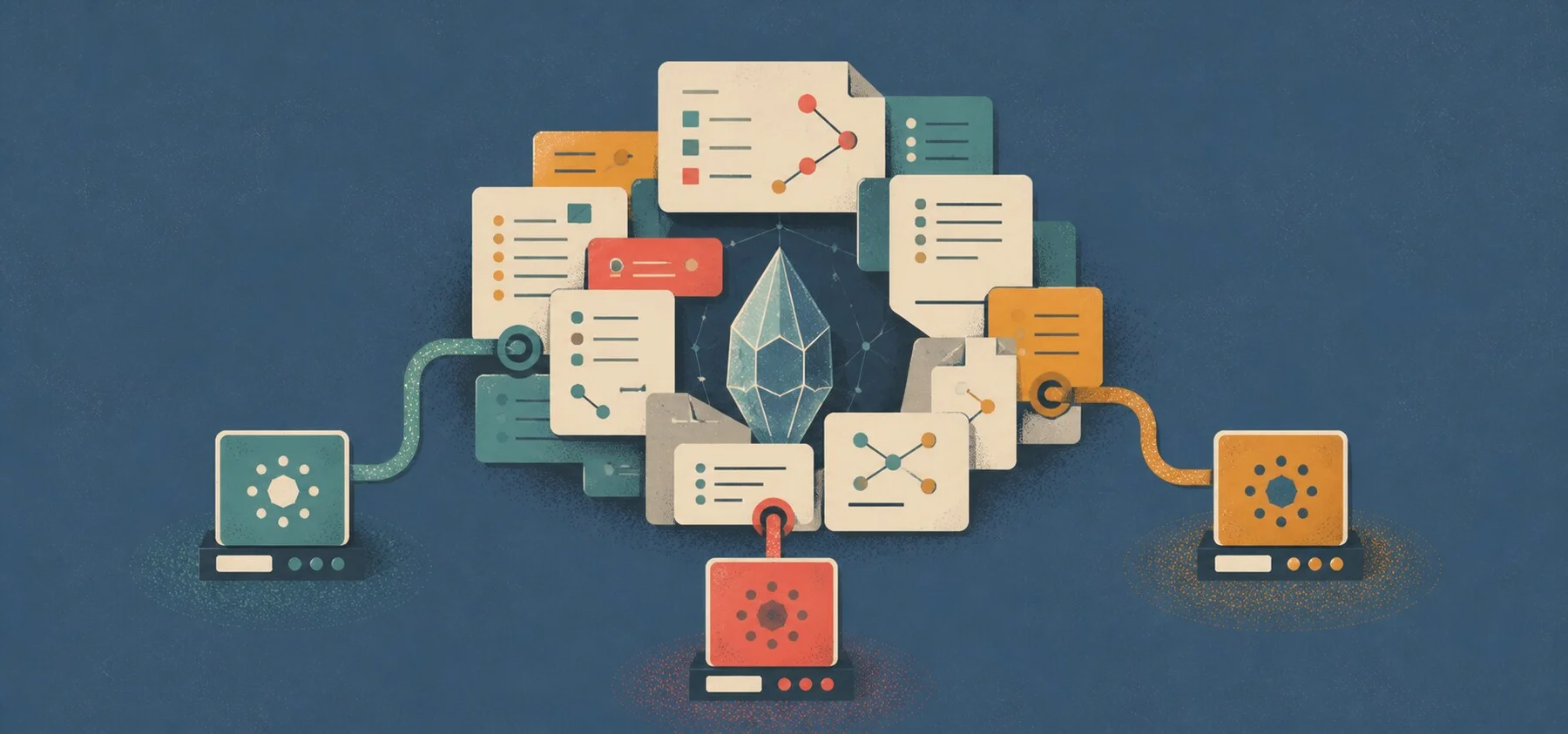
I call this setup compound context. It accumulates over time from my notes, vault maps, rules, agent-generated material, and skills. Each productive work session leaves something useful for the next one: a decision, an instruction, an updated index, or a new note.
No agent loads the entire vault into its prompt. Several thousand notes would fill any context window quickly. Instead, the agent starts with a few short index files, finds the relevant section, and reads only the material connected to the task.
Several Agents, One Shared Knowledge Base
I use several agents. Depending on the task, I work with Pi, Codex, Hermes, Cursor, Claude Code, and other tools. Each has its own strengths, system prompt, toolset, and limitations.
They all start with the same baseline context. Each agent knows where to find personal notes, projects, articles, sources, and agent-generated material. They also get the vault rules from the same place.
Shared instructions make their behavior more predictable, though the models still work differently. One follows long instructions better. Another navigates files faster. A third makes different decisions because of the system prompt in its harness. I expect them to follow the same rules, not produce identical answers.
The main benefit shows up when I switch tools. I can ask any agent a question about the vault. A note prepared by Claude Code yesterday is available to Pi or Codex today. The context stays in place while the agent changes.
Where an Agent Starts
The entry point is AGENTS.md. It contains the shared rules: the language used in notes, the folder structure, off-limits areas, linking conventions, and acceptable ways to change files.
Some tools look for an instruction file with a specific name. That is why I also keep an almost empty CLAUDE.md next to it, with a link to AGENTS.md. Copying the rules into both files would eventually leave one version out of date.
The agent then opens three index files:
me.mdcontains persistent context about me: my work, interests, preferences, and decision-making principles;vault-map.mddescribes the folders, key entry points, and file placement rules;skill-map.mdlists the available agent skills.
That is enough for the initial orientation. If the task involves my blog, the agent goes to the project section and reads the article rules. If I ask about notes on a particular topic, it uses the map, search, and links between files. Unrelated sections stay out of the context window.
vault-map.md is especially useful. Without it, every agent would begin by scanning folders and deciding where a new file belongs. Now the destination is usually clear before it reads the contents of the folder.
Where I Write and Where Agents Write
I separate material by authorship. My own notes live in the regular vault sections. Research, drafts, and intermediate agent output go into the Агенты/ (Agents/) folder. A file's location tells me where it came from.
I sometimes let an agent edit one of my notes. I may ask it to restructure a draft or carefully add verified facts. I review those changes more closely. Giving agents free write access everywhere would quickly fill the vault with polished, plausible text that I would never use.
Reading and writing are separate permissions as well. A question such as “What do I know about this topic?” allows the agent to search and answer. Creating or editing a note requires a separate instruction. This simple rule prevents a lot of accidental changes.
Which Areas Are Off-Limits
.claudeignore and .codexignore list folders that the corresponding agents skip during search. The same boundaries also appear in AGENTS.md and vault-map.md. In practice, agents follow these rules and avoid spending tokens on sections they do not need.
Ignore files create a working boundary, not a security boundary. The agent process still has technical access to the vault. Truly private information needs filesystem permissions, separate storage, or an isolated environment. A Markdown instruction only tells the agent where it is not allowed to go.
For example, a Python or Bash script created by an agent to process the vault runs with the permissions of the process that launched it. .claudeignore and .codexignore do not apply to that script, so it can read or modify ignored files. Before running scripts like this, I check which paths they can touch.
Why Agents Use Obsidian CLI
Agents perform most vault operations through the official Obsidian CLI. It can search notes, read backlinks, manage properties, and apply templates. A targeted CLI query is usually shorter and more precise than scanning folders by hand.
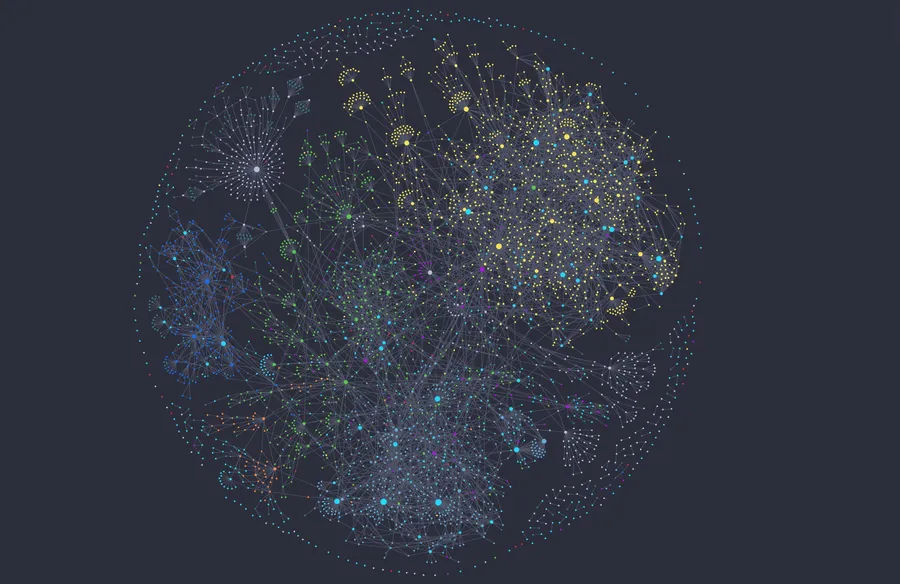
Renaming makes the difference especially clear. A regular mv command renames the file but leaves links pointing to the old name. Obsidian CLI renames the note and updates wikilinks across the vault. With several thousand files, preserving that graph matters.
The CLI also saves context. An agent can request exact search results or a list of backlinks, then open the two or three files it needs. It does not have to read an entire folder and hope to find the right note.
I keep the graphical Obsidian interface. The agent works with the same data through the CLI. After it makes a change, I immediately see the updated note, properties, and links.
Skills as Procedural Memory
Maps show agents where the data lives. Skills describe the steps for recurring tasks.
I created several skills for working with Obsidian. They cover the details of connecting to the CLI, commands for search and rename operations, rules for creating different note types, frontmatter requirements, and restrictions for specific sections.
For example, before creating a note, an agent must check whether it already exists, choose the right template, and determine the correct folder. Topic tags are not allowed in my vault, and renames go through the CLI. I used to repeat these details in every chat. Now the agent reads the skill and follows a familiar procedure.
This gives the vault two kinds of context. Notes hold facts and writing. Skills hold tested ways of working with them. Pi, Claude Code, and Codex can follow the same structure even when they reason and write differently.
What Survives a Work Session
A chat ends, and most of the discussion loses its value. I save only what may be useful later: a decision, a new note, an update to the vault map, or a change to a skill. Everything else stays in that agent's conversation history.
After long sessions, agents save a handoff with the current state of the task, decisions made, open questions, and the next step. The vault also keeps research findings and summaries of videos and articles. Other agents can use this material and continue the work without researching the same topic again.
This still requires deliberate curation. Useful knowledge can arrive alongside mistakes, outdated instructions, and AI slop. Index files need updates, agent-generated material needs occasional review, and write access to personal notes stays limited.
Over four years, Obsidian has grown from a collection of atomic notes into a shared workspace for several agents. The foundation remains almost the same: local Markdown files and links between them. Entry points, maps, rules, the CLI, and skills were added around that foundation.
This structure gives a new agent enough context to pick up the work using the same data. The models change and behave differently, while the accumulated knowledge base stays with me.